Game editions
Everything on IFC is organized by game edition (e.g. EAFC, eFootball, NBA 2K). Every team, organization and competition lives on one single edition: it defines who can play with whom. On the web, you always browse inside one edition's space at a time.
Choosing your game (first sign-in)
The first time you sign in, the platform asks you to choose your game:
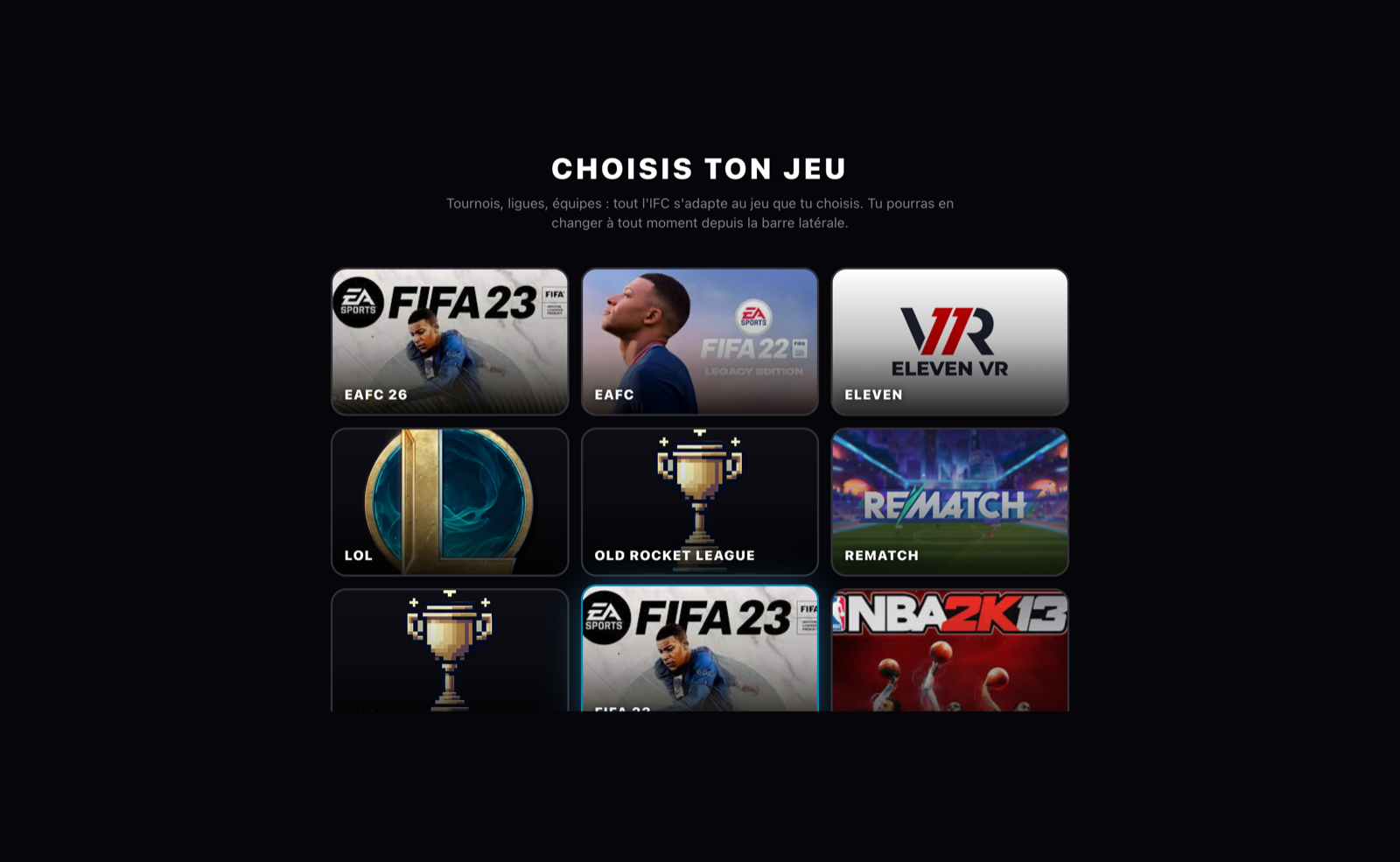
This choice is not final in any way: it simply determines the space you land in.
Switching games (sidebar)
The button carrying the edition's name, in the sidebar, opens the Switch game selector:
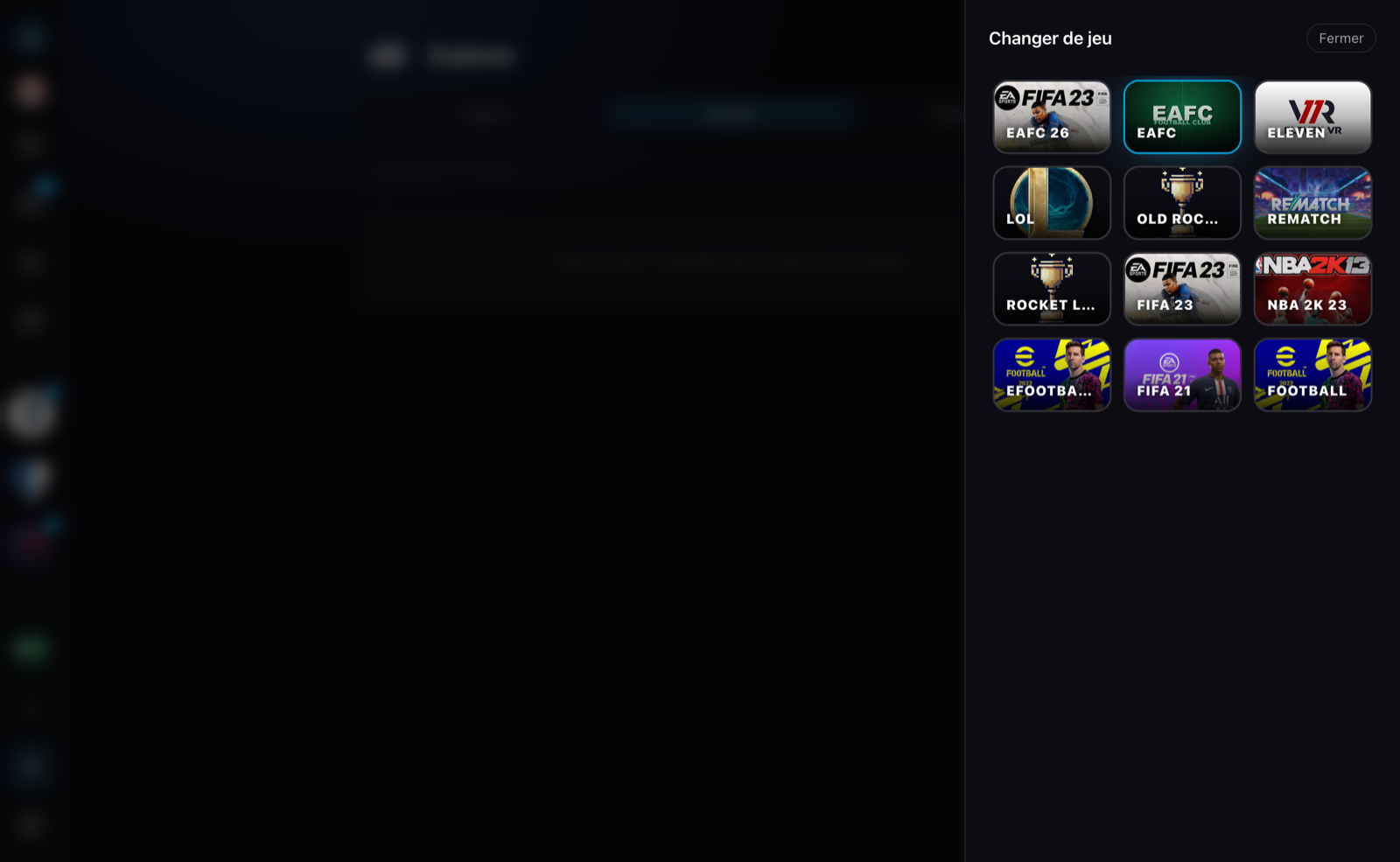
Switching editions flips the whole space at once:
- the home / The League becomes that edition's league;
- the sidebar only shows your teams and organizations of the edition (a +N button groups the ones from your other games, and also lets you switch);
- the Explorer, the transfer market and the calendar are filtered to the edition;
- creating a team or an organization skips the "Which game?" step: the entity is born on the current edition.
Where is an entity's edition chosen?
- Team / organization: created on the current edition of your space. The choice is final.
- Competition: nothing to pick, it automatically inherits the edition of the organization hosting it.
A badge (icon + edition name) is displayed under the name on a team's home page, an organization's overview and a competition's info panel.
What the edition scopes
| Rule | Detail |
|---|---|
| Participants | A competition only accepts teams of its edition (registration and replacements alike) |
| Contracts | A player holds at most one active contract per edition; contracts on different games stack freely |
| Transfer market | A club can only bid on the contract of its own edition |
| Platforms | Each edition defines its available platforms (PS5, PC, etc.) |
Nothing stops you from founding an EAFC team and an NBA 2K team: they are parallel worlds, each with its own rosters, contracts and competitions. The sidebar selector is there precisely to hop from one to the other.