Organizing a competition — overview
A competition belongs to an organization and comes in 3 formats.
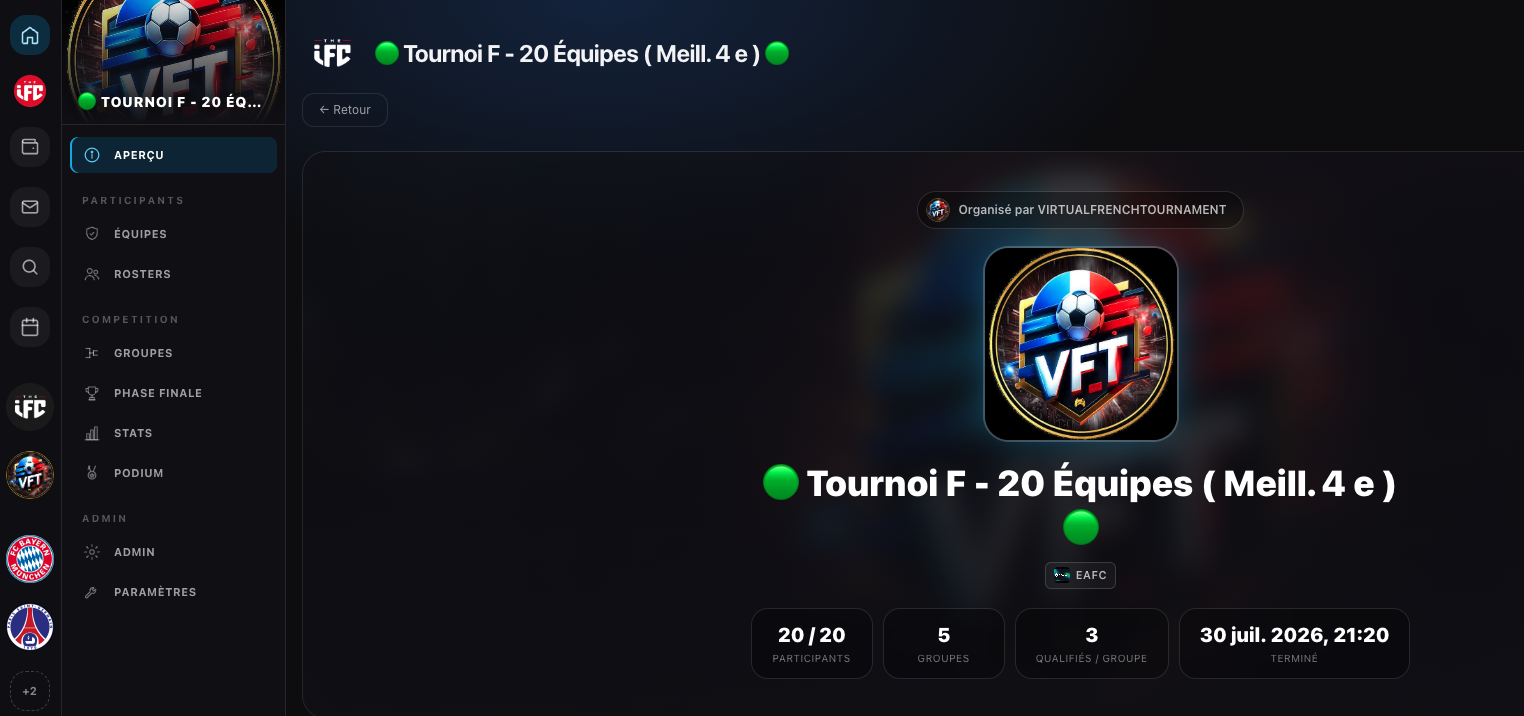
The 3 formats
| Format | Description | Structure |
|---|---|---|
| 🏆 Tournament | Group stage then a knockout final phase | Groups → Finals → Podium |
| 📋 League | Championship: everyone plays everyone, points-based standings | Matchdays + Standings |
| 🥊 Cup | Knockout only, no group stage | Pure bracket |
The 4-step flow
- Create the competition (format, name, date). → Create a competition
- Add participants (teams or players). → Participants
- Generate the schedule (the "draw") with the format options. → Generate the schedule
- Play: score entry, standings and phases update automatically.
The draw locks the format
Once the schedule is generated, the format is locked: you can no longer change the number of groups, the qualifiers, the double round, or re-add participants. You can only replace a participant and reschedule matches. Check everything before generating.
Sections of a competition
| Section | League | Tournament / Cup | Content |
|---|---|---|---|
| Overview | ✓ | ✓ | General info |
| Participants / Teams | ✓ | ✓ | List + add (before draw) |
| Calendar | ✓ | — | Matches by matchday |
| Standings | ✓ | — | Points table |
| Groups | — | ✓ (if groups) | Group matches + standings |
| Finals | — | ✓ | Knockout bracket |
| Podium | — | ✓ | Final ranking |
| Rosters | — | ✓ (squad) | Players entered per team |
| Admin | — | ✓ (admin) | Scores, trophy, dates |
| Settings | ✓ | ✓ | Deletion (danger zone) |
The Groups / Finals / Podium / Admin sections only appear after the draw.
Team vs solo mode
- Squad (teams) — participants are teams; labeled "Teams".
- Solo (1 versus 1) — participants are players; labeled "Participants". No roster or lineup.
Creating competitions via the web is done in team mode.