Squad & lineup
The squad (roster)
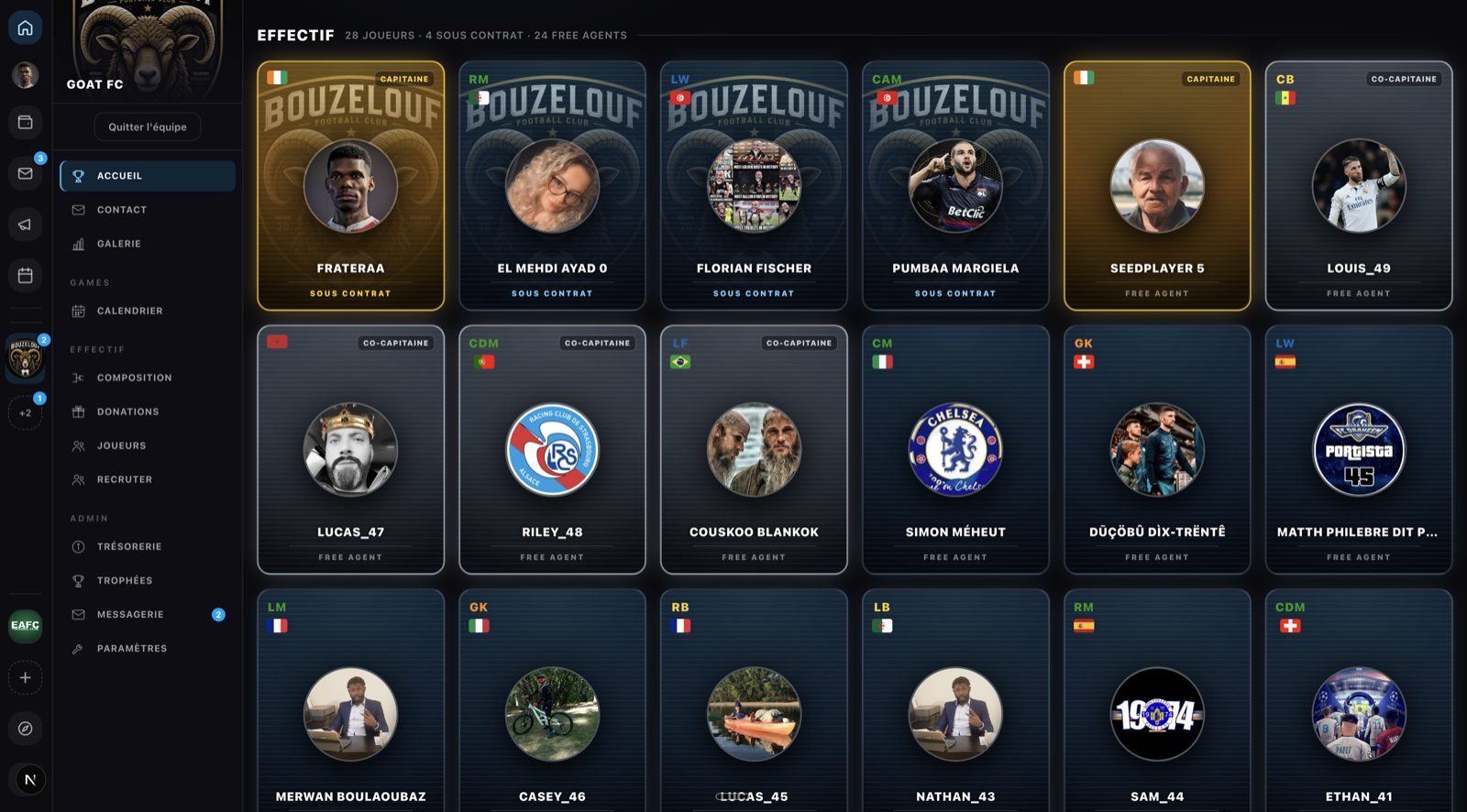
The Squad / Players section lists every member: name, username, position, contract. It's the full set of the team's players, regardless of any given competition.
The tactical lineup
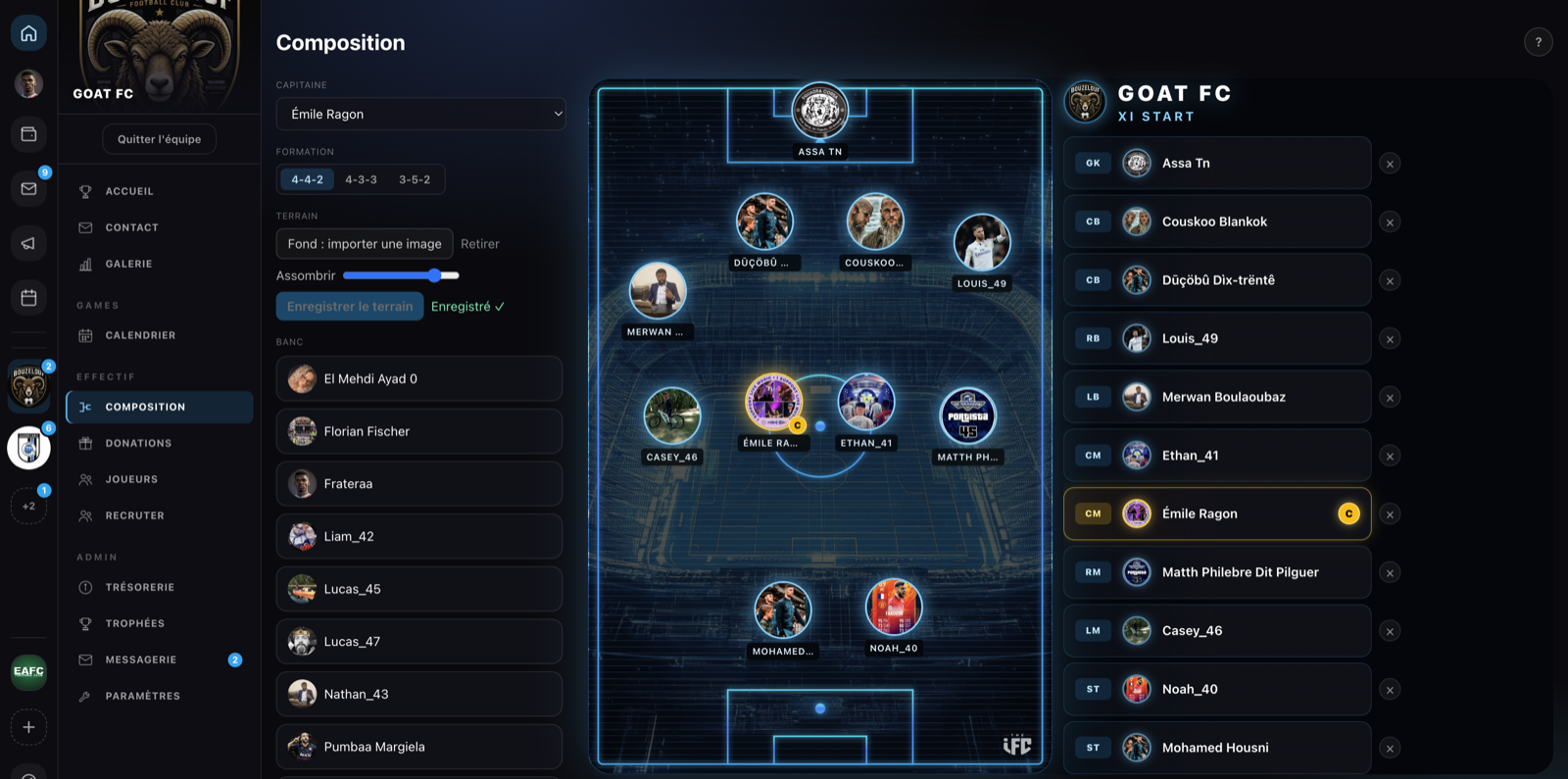
Lineup section: place your starting 11 on the pitch.
1. Choose a formation
Three formations available:
| Formation | Breakdown |
|---|---|
| 4-4-2 | 4 defenders · 4 midfielders · 2 forwards |
| 4-3-3 | 4 defenders · 3 midfielders · 3 forwards |
| 3-5-2 | 3 defenders · 5 midfielders · 2 forwards |
2. Place the players
- Drag and drop a player from the bench onto a position.
- Moving a player onto an occupied position sends the previous one back to the bench.
- Click ✕ to remove a player from the pitch.
3. Designate the captain
Captain menu → choose a starting player (or "— None —"). The captain wears a golden C armband and an amber border. If they leave the pitch, the armband is removed.
4. Save
Save roster (11) button. Confirmation "✓ Roster saved".
Tournament roster ≠ squad
For a tournament in team mode, you also build a registered players list specific to that competition. See Tournament rosters.