Contracts
A contract binds a player to a team in exchange for a salary. Only the captain (GM) offers contracts.
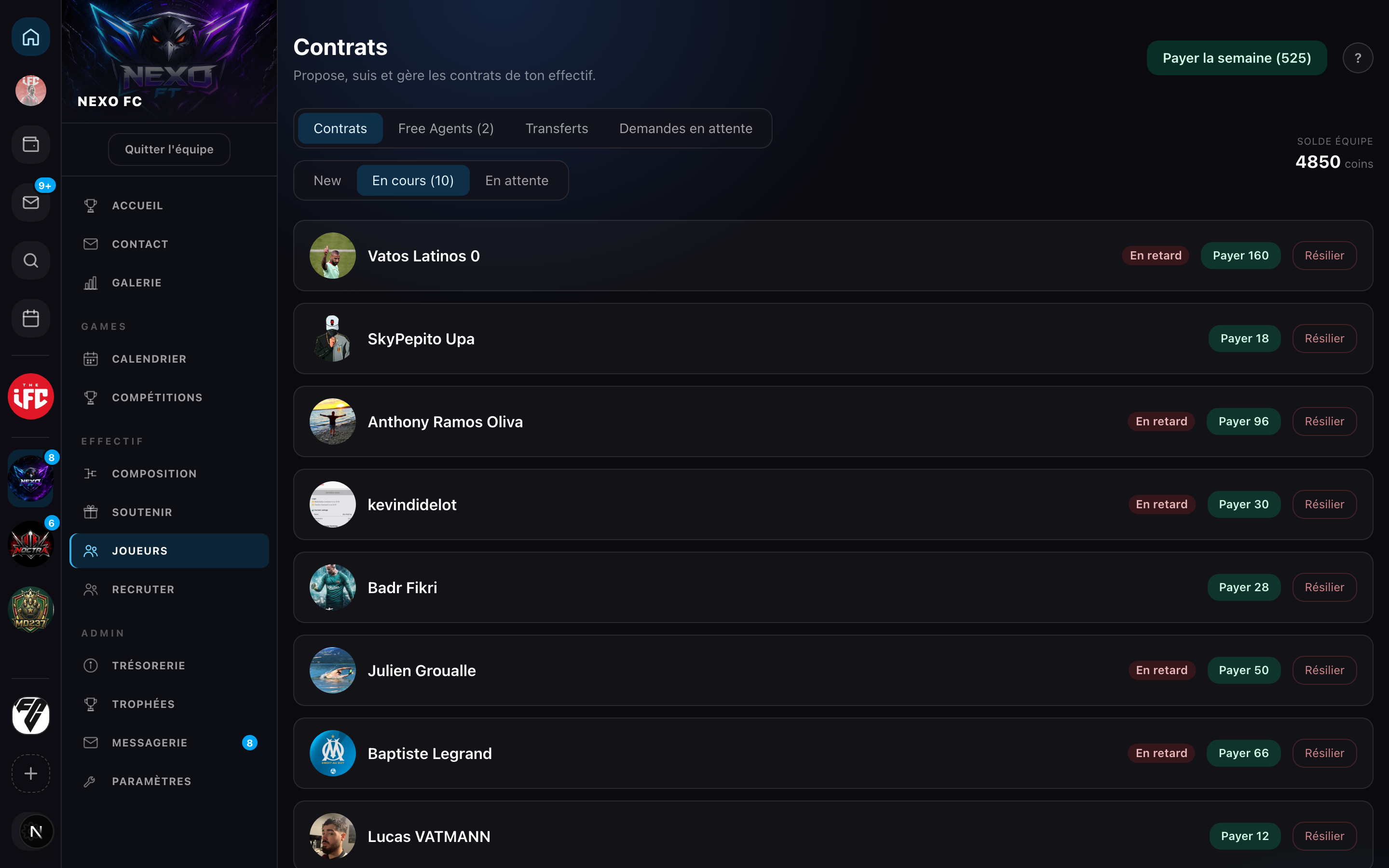
The contract is the key to competing: only players under contract can be entered in competition rosters, and the player is exclusive to the club on his edition. Without a contract, a player stays a Free Agent: he can join as many clubs as he likes and leave at any time — but can't be fielded in competition.
What makes up a contract
| Field | Detail |
|---|---|
| Signing bonus (coins) | Paid once at signing |
| Weekly salary (coins) | Debited every week (minimum 10 coins) |
| Duration (weeks) | Length of the contract (≥ 1) |
| Release clause (coins) | Amount to release the player ("None" if empty) |
| Salary mode | Manual or Automatic (see Salaries & clause) |
In practice, the captain fills in these fields in the contract form:
Once sent, the contract takes its course. Each tab shows a case: signing, salary payment, an unpaid wage, auto mode, and the release clause.
- Signing
- Salary
- Unpaid (manual)
- Auto salary
- Release clause
Offering a contract (captain)
When you accept a player's request, a panel immediately offers to create a contract for him, with the under-contract / Free Agent comparison. You can launch the offer right away or pick Later.
Team Contracts section → 4-step flow:
- Choose a player — from the approved roster, excluding players already under contract or with a pending offer.
- Set the terms — bonus, salary, duration, clause, mode. Defaults: bonus 0, duration 4, manual mode. The salary is a minimum of 10 coins per week: a contract genuinely commits the club's treasury.
- Send — the offer moves to the Pending offer status.
- The player must sign to activate the contract.
Player side: sign or decline
In My contracts → Offers received, each offer shows the team, the salary/week × duration, the bonus and the clause:
- Sign → the contract becomes Active.
- Decline → the offer is Declined.
One active contract per game edition
Exclusivity works per game edition:
- On a given edition (e.g. EAFC 25), a player holds only one active contract. If they try to sign while already committed, the guided "Get released to sign" flow opens — see Transfers & release.
- Across different editions, contracts stack freely: you can be under an EAFC contract in one club and an NBA 2K contract in another.
The public profile shows one card per active contract, each with its edition badge.
Contract statuses
| Status | Meaning |
|---|---|
| Pending offer | Offered, not yet signed |
| Active | Signed, in progress |
| Expired | Duration elapsed |
| Terminated | Voluntarily ended |
| Clause paid | The player paid their clause |
| Transferred | Left via a transfer |
| Declined | The player declined |
| Withdrawn | The captain withdrew the offer |